
Ulysses Ludwig’Blog
Creating an Office365 SharePoint Site Collection from an Existing Template
Problem
A template has been developed on a site collection on Office365 and now a new site collection needs to be created. Due to limitations of SharePoint in general, the template cannot be easily migrated between site collections and applied as the root site. After the root site is created, it’s not too difficult to migrate the template, however, the root site needs to be rebuilt from scratch.
Solution
Create a new site collection and migrate the solution from one an existing site collection to a new site collection. The trick here is to NOT select a template immediately after creating the template and to instead choose the option to select the template later.
How-To
Problem
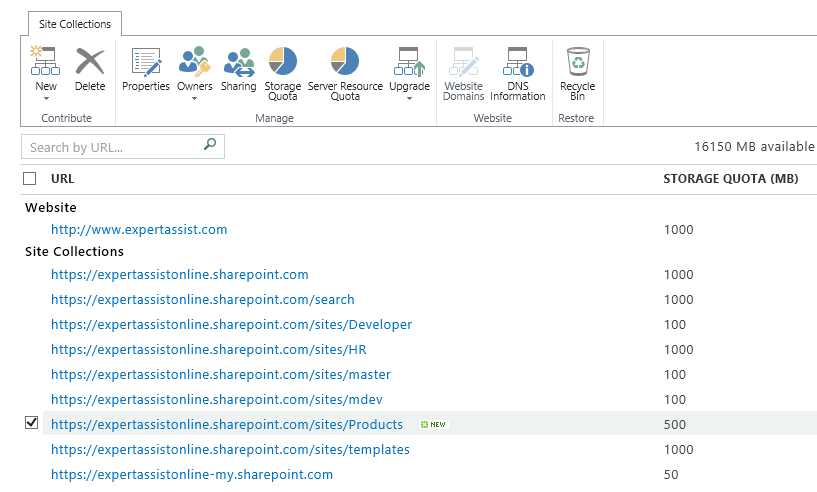
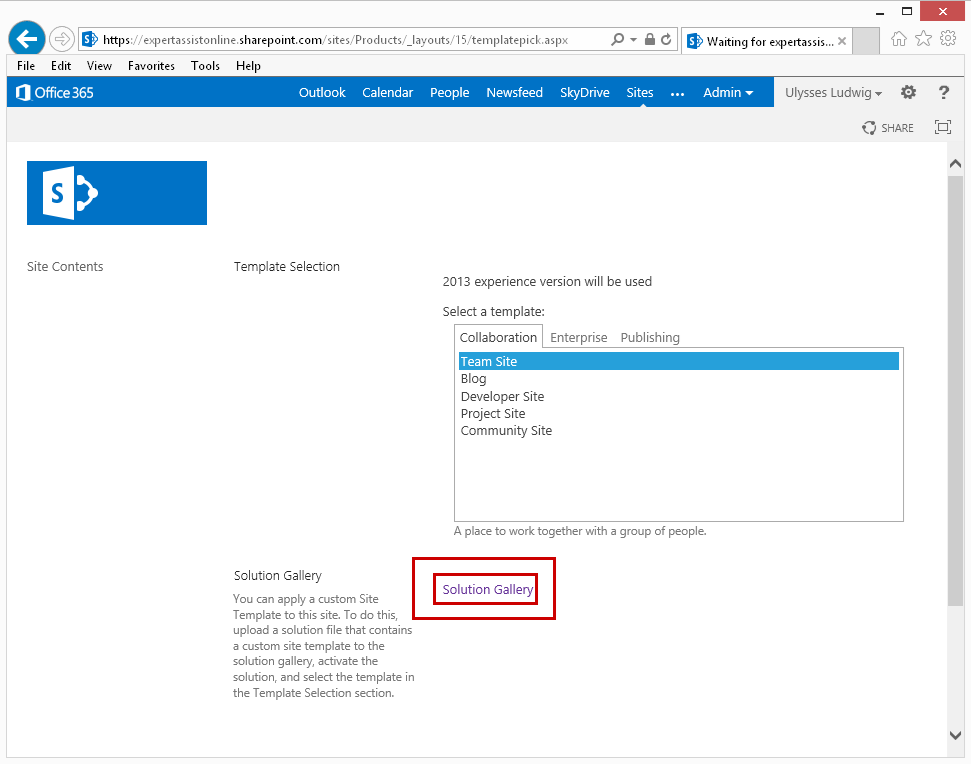
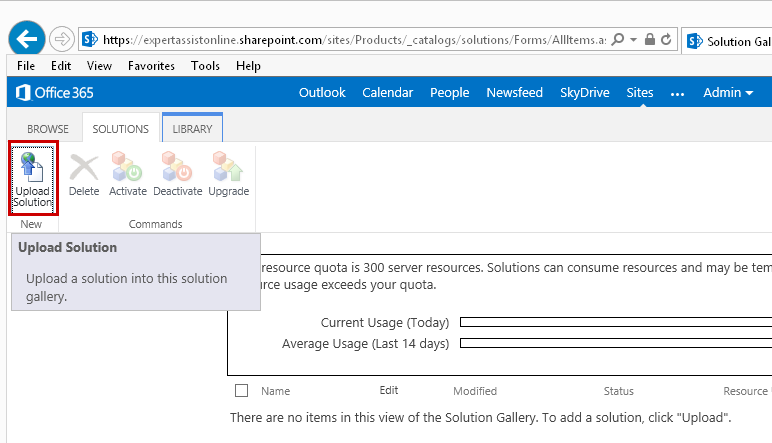
Upload the solution
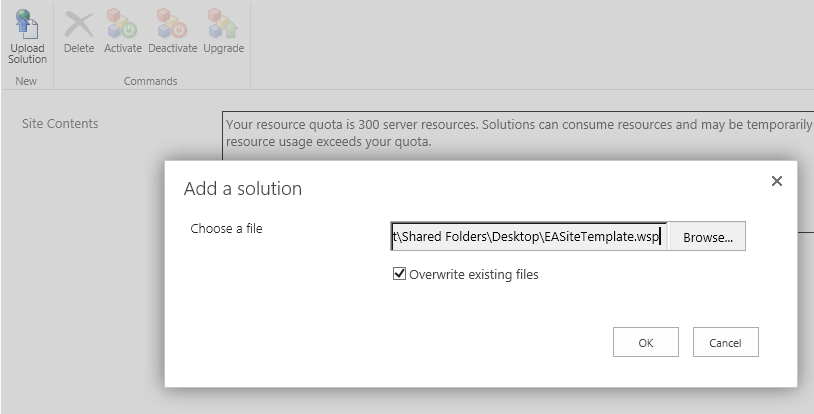
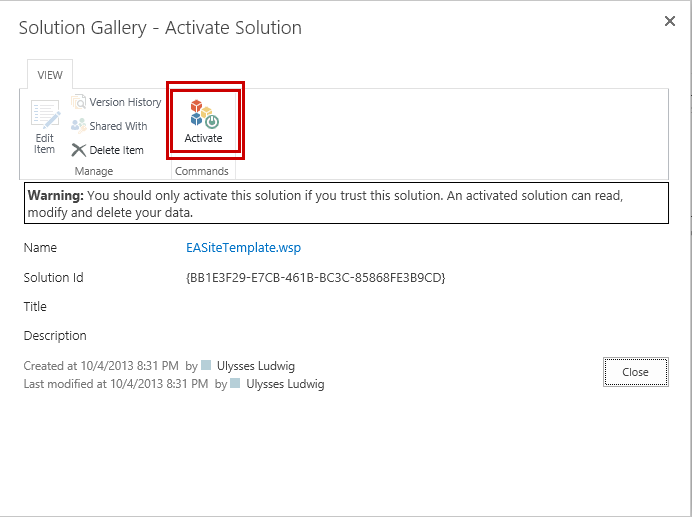
Activate the solution
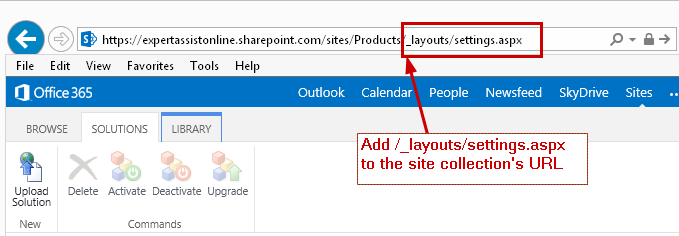
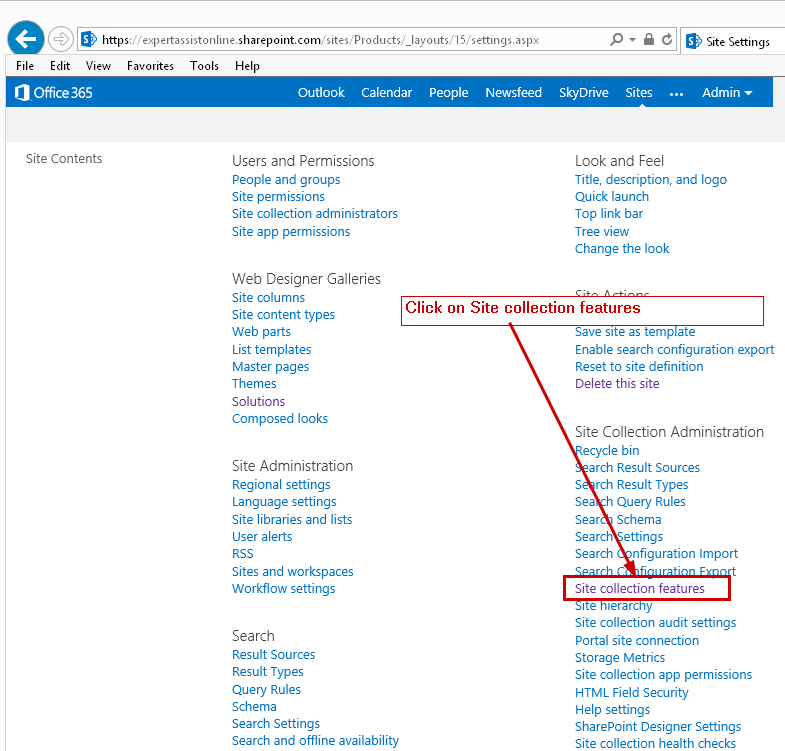
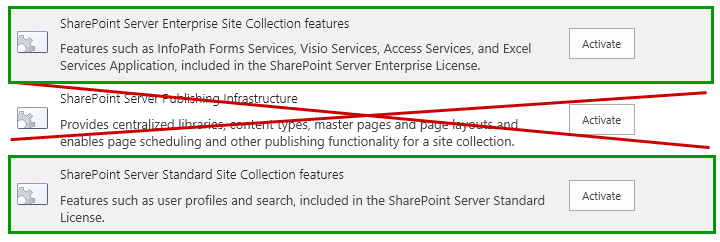
Activate the appropriate features used when creating the template (in this case the SharePoint Enterprise and SharePoint Standard features were used). Do not activate the publishing feature
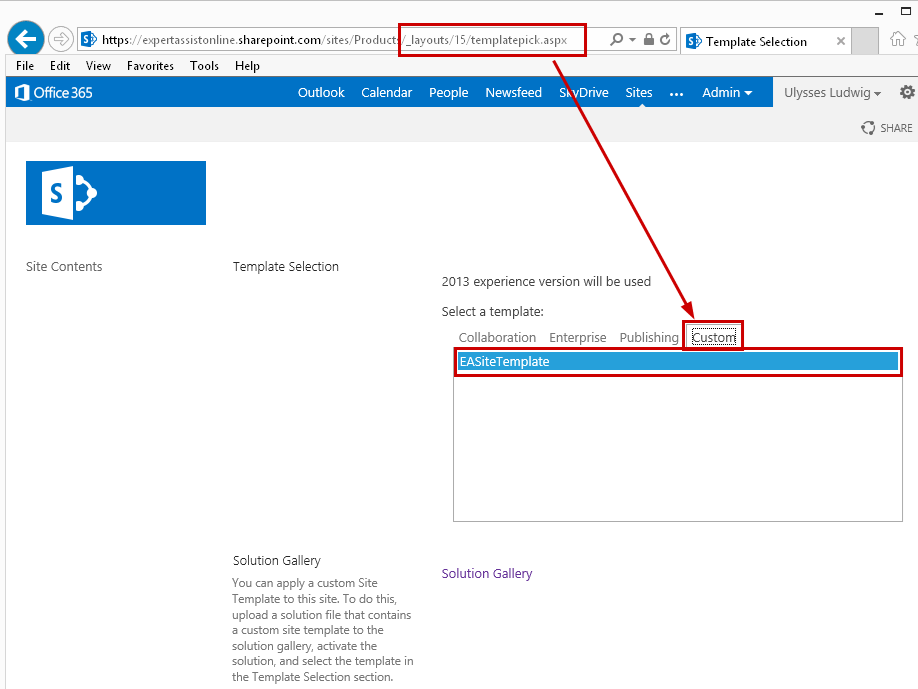
Return to /_layouts/15/templatepick.aspx
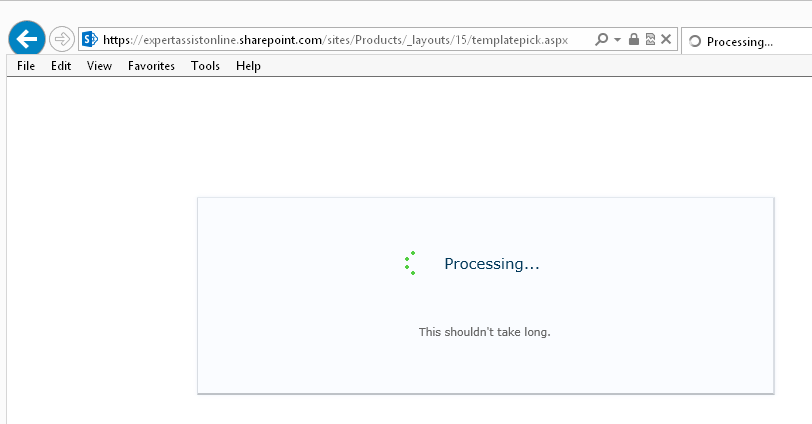
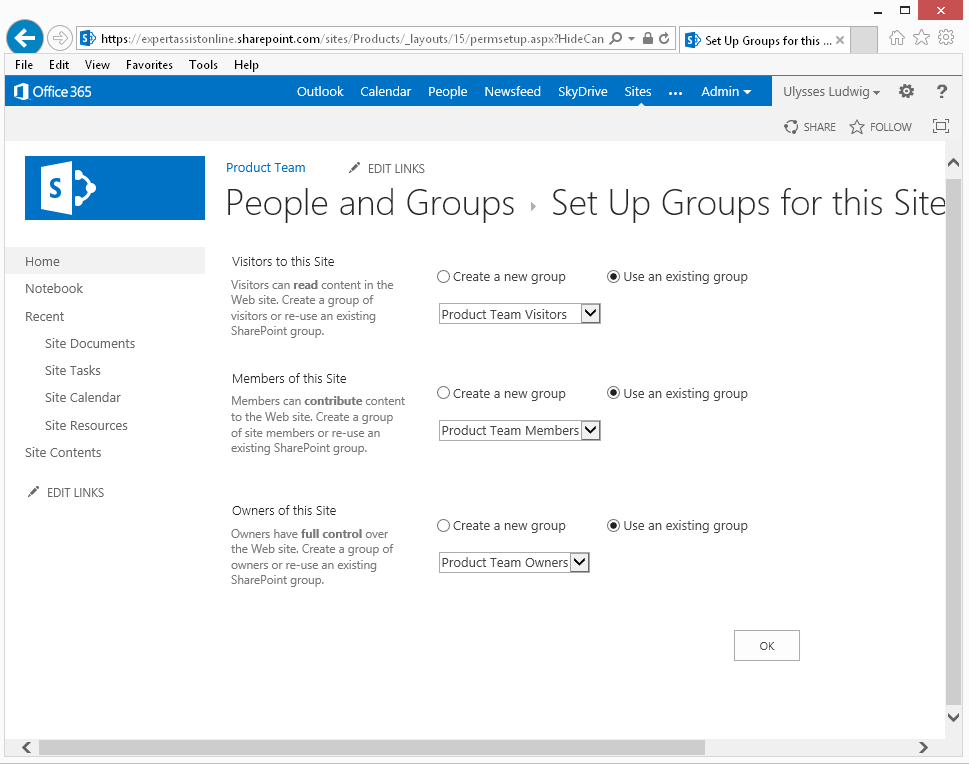
Choose the groups
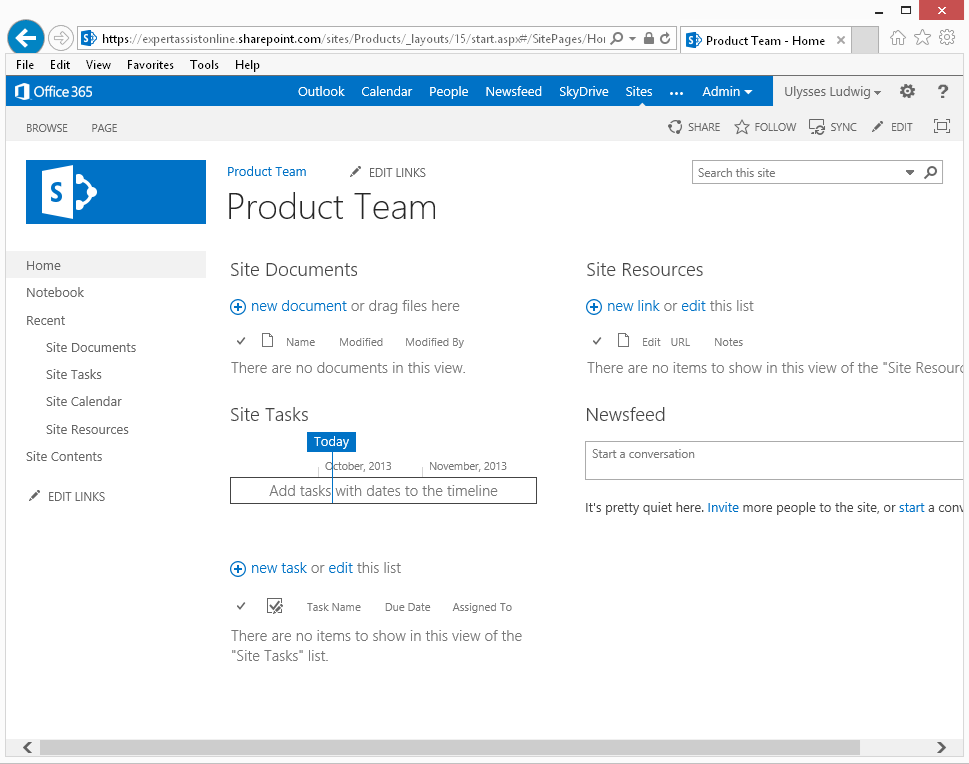
Success!


About the author

Ulysses Ludwig is a SharePoint architect with over 16 years in the IT and computer industry. Ulysses' primary focus is SharePoint but he dabbles in the latest web technologies and likes to develop software in his spare time.